



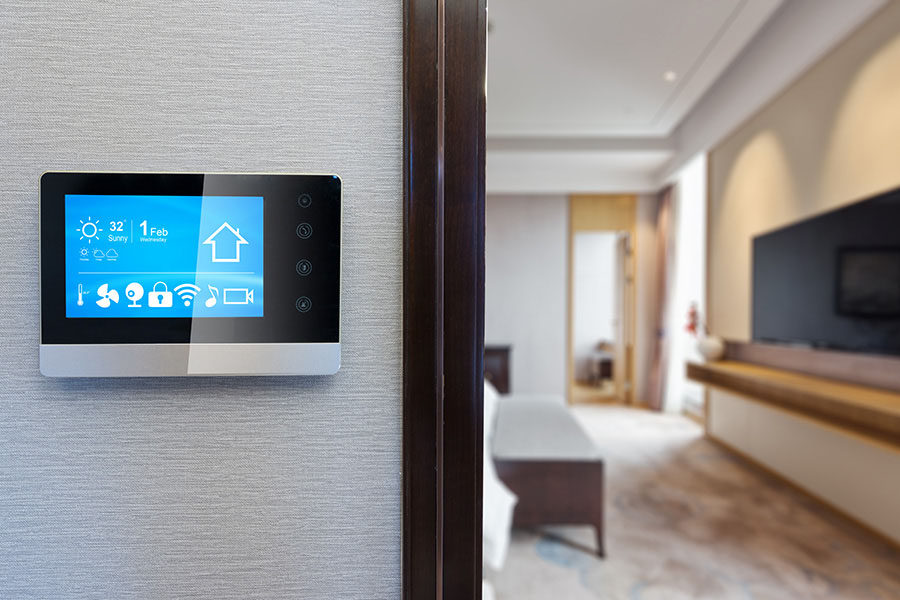
Installing a smart thermostat can be a straightforward task, but you might encounter some common issues along the way. It’s essential to check if your system’s compatible and that you’ve got the right wiring in place. Connectivity problems can also crop up, leaving you frustrated. Understanding these challenges will help you troubleshoot effectively. What if there’s still a nagging issue that won’t go away? Let’s explore some solutions that might just do the trick.
Understanding Compatibility Issues With Smart Thermostats
When you’re considering upgrading to a smart thermostat, it’s important to understand compatibility issues that might arise. First, check whether your current heating and cooling system is compatible with smart technology. Not all systems, like older furnaces or certain types of HVAC setups, work seamlessly with smart thermostats.
You’ll also want to verify if your home has a C-wire, which provides constant power to the thermostat. If you don’t have one, some models may require additional adapters or wiring, which can complicate installation.
Additionally, make sure that your smart thermostat is compatible with your Wi-Fi network; some devices require a specific frequency.
Finally, read user reviews and consult product specifications to make an informed choice. By understanding these compatibility factors, you can avoid frustration and enjoy the benefits of your new smart thermostat with ease. Additionally, consider consulting with expert thermostat repair and installation services to ensure proper setup and avoid common pitfalls.
Addressing Wiring Problems During Installation
Though wiring issues can seem intimidating, addressing them during the installation of your smart thermostat is vital for ideal performance. Start by turning off the power to your HVAC system to avoid any electrical hazards.
Carefully remove your old thermostat and take note of the existing wiring configuration. This is essential for connecting the new thermostat correctly.
Identify the wire colors and their corresponding functions; you might see wires like R, W, Y, and G. If you notice any frayed or damaged wires, replace them to guarantee reliable operation.
Use a multimeter to check for voltage, confirming your wires are delivering the right power.
If you encounter unfamiliar wiring, consult the thermostat’s manual or seek professional help. Properly connecting the wires won’t only enhance your thermostat’s efficiency but also extend its lifespan, giving you peace of mind and comfort in your home. Additionally, ensuring air duct sealing can further improve your HVAC system’s performance and energy efficiency.
Troubleshooting Connectivity and Wi-Fi Issues
After addressing any wiring problems, the next step in guaranteeing your smart thermostat operates smoothly is tackling connectivity and Wi-Fi issues.
First, check your home’s Wi-Fi signal strength. A weak signal can prevent your thermostat from connecting properly. If the thermostat is too far from your router, consider moving the router closer or using a Wi-Fi extender.
Next, verify that your thermostat is connected to the correct network and that you’ve entered the right password. If it still won’t connect, restart both your thermostat and router to refresh the connection.
Lastly, confirm your thermostat’s firmware is up to date. Outdated software can lead to connectivity issues. You can usually check for updates in the thermostat’s app.
Additionally, consider scheduling routine AC maintenance to ensure your entire system is operating efficiently and to prevent future connectivity problems.
If you’ve tried everything and it still won’t connect, it might be time to consult a professional for further assistance.
Resolving Temperature Sensor Calibration Errors
If your smart thermostat isn’t reading the correct temperature, it might be time to address calibration errors.
These errors can lead to discomfort and higher energy bills, but you can resolve them with a few simple steps.
- Check the Location: Verify your thermostat’s not placed near heat sources or drafts, which can skew readings.
- Compare with a Reliable Thermometer: Use a standard thermometer to cross-check the temperature and determine if your thermostat is off.
- Access Calibration Settings: Many smart thermostats have a calibration option in their settings. Adjust the temperature to match your thermometer’s reading.
- Reset the Thermostat: If the error persists, try resetting your thermostat to factory settings and recalibrating.
Additionally, ensuring your HVAC system has been properly maintained, such as through professional air duct cleaning, can help enhance overall performance and accuracy of your thermostat readings.
Ensuring Proper Power Supply to the Thermostat
Calibration errors can often lead to discomfort, but another common issue with smart thermostats is an inadequate power supply. If your thermostat isn’t powered correctly, it won’t function as intended, causing inconsistent temperatures.
Start by checking the wiring connections; verify the power wire is securely connected to the thermostat. If you’re using a C-wire (common wire), confirm it’s properly installed, as this wire provides continuous power.
Check your circuit breaker to see if a fuse has blown or a breaker has tripped.
If everything looks good but you’re still having issues, consider using a multimeter to test the voltage at the thermostat. If you’re uncomfortable with any of these steps, don’t hesitate to contact a professional like Top Gun Heating & AC Repair. They’ll make sure your thermostat gets the power it needs for peak performance.
Conclusion
In Saginaw, TX, installing a smart thermostat can feel like a breeze or a blizzard, depending on the issues you encounter. You can transform frustration into satisfaction by understanding compatibility, addressing wiring, and troubleshooting connectivity. Don’t let minor setbacks dim your excitement for smart technology; instead, see them as stepping stones to a more efficient and comfortable home. With patience and a little know-how, you’ll soon enjoy the seamless climate control you envisioned.